AI Prompt Template for Cohesive Brand Icon Sets
Generate consistent single-line icons with locked stroke weight, corner radii, bounding boxes, and geometric styling across entire brand icon families.
Objective: Create a reusable AI image prompt to design individual, single-line brand icons with strictly locked visual parameters (stroke weight, corner treatment, fills, and pixel grid constraints) so that a large icon library maintains visual cohesion across interfaces.
How the Base Prompt Was Formed
The base prompt was formed through these deliberate steps:
- Directed generation on a single-concept basis rather than batch requesting multi-icon sheets, eliminating style drift and uneven visual density across symbols.
- Parametrized the physical linework using {{stroke_weight}} (e.g., 2px stroke) and {{corner_style}} (e.g., rounded, sharp, chamfered) to ensure identical line thickness across icons.
- Specified strict rendering rules: enforced an unfilled (line-only) aesthetic and a standard square bounding box (
{{icon_size}}px) to match digital product design grids (e.g., 24px, 32px). - Anchored the design to brand context ({{brand_name}}) while specifying a minimal geometric benchmark to avoid overly complex micro-illustrations.
AI models struggle to maintain line weight consistency when generating sets of multiple icons simultaneously in one image. Generating one icon per prompt with identical parameters guarantees pixel-level alignment across your design system.
Base Prompt Template
Design a single-line icon representing {{concept}} for {{brand_name}}. Use a {{stroke_weight}} stroke, {{corner_style}} corners, no fill, and a {{icon_size}}px bounding box. Match the visual style of a minimal, geometric icon set with consistent line weight throughout.
Snippets and Variables
| Element | Type | Example Value | Description |
|---|---|---|---|
| {{concept}} | variable | shipping box | The object, action, or UI state the icon represents |
| {{brand_name}} | variable | Bock Coffee | The name of the brand or digital product |
| {{stroke_weight}} | variable | 2px | The uniform line thickness throughout the artwork |
| {{corner_style}} | variable | rounded | The terminal and vertex styling (rounded, sharp, miter) |
| {{icon_size}} | variable | 24 | Standard pixel bounding box dimension (e.g. 24, 32, 48) |
Keep the {{stroke_weight}}, {{corner_style}}, and {{icon_size}} values completely identical across every icon generation in a series to build a unified design system.
Filled Base Prompt
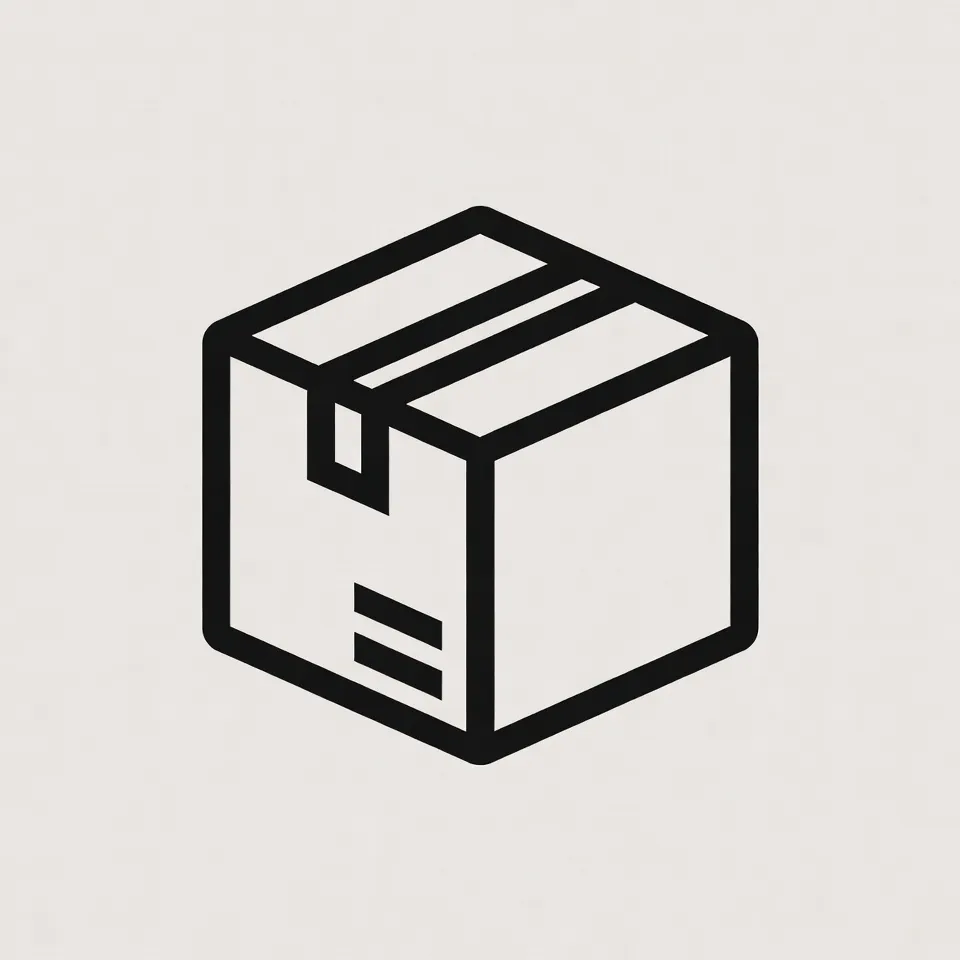
Design a single-line icon representing "shipping box" for Bock Coffee. Use a 2px stroke, rounded corners, no fill, and a 24px bounding box. Match the visual style of a minimal, geometric icon set with consistent line weight throughout.
Extended Example Values
-
{{concept}}
- shipping box
- whole coffee bean
- pour-over dripper
- origin certificate badge
- ambient temperature gauge
- subscription recurring delivery
-
{{brand_name}}
- Bock Coffee
- Horizon Cloud
- Pillar Health
- Orbit Logistics
-
{{stroke_weight}}
- 2px
- 1.5px
- 3px
- 1px hairline
-
{{corner_style}}
- rounded
- sharp geometric
- subtly softened
- chamfered industrial
-
{{icon_size}}
- 24
- 32
- 48
- 16
On This Page