
AI Prompts for Creating Scroll-Stopping Social Media Captions
Turn blank-screen syndrome into scroll-stopping captions with these copy-paste AI prompt templates for every platform, tone, and goal.
Turn blank-screen syndrome into scroll-stopping captions with these copy-paste AI prompt templates for every platform, tone, and goal.
You know the feeling. The photo is edited, the video is trimmed, everything is ready to post, and then you stare at the caption box for ten straight minutes. Nothing comes. You type something, delete it, type something else, delete that too.
The problem usually isn't a lack of ideas. It's that writing a caption that actually stops someone mid-scroll is a specific skill, and most of us were never taught it. The good news is that AI can close that gap fast, but only if you know how to ask for what you actually need.
By 2015, the average person could hold focus on a single piece of content for about 12 seconds. A CNBC report on scrolling noted that screen-based attention spans have been shrinking for two decades, which means your caption has less time than ever to earn a pause. That's the real job of a caption: not to describe the post, but to interrupt the scroll.
This guide gives you a complete system: how to write prompts that produce captions with personality, the exact templates to copy and fill in, and the mistakes that make AI-written captions sound like, well, AI wrote them.
This is not a "type one sentence into ChatGPT and hope" guide. Every prompt below is built with a structure, because vague prompts produce vague captions. Specific prompts produce captions you can actually post.
Before you prompt an AI to write anything, it helps to know what you're actually asking for. A scroll-stopping caption usually does one or more of these things in the first line:
The caption's job isn't to summarize the image. The image already did that. The caption's job is to add a reason to care, a reason to comment, or a reason to remember the brand behind the post.
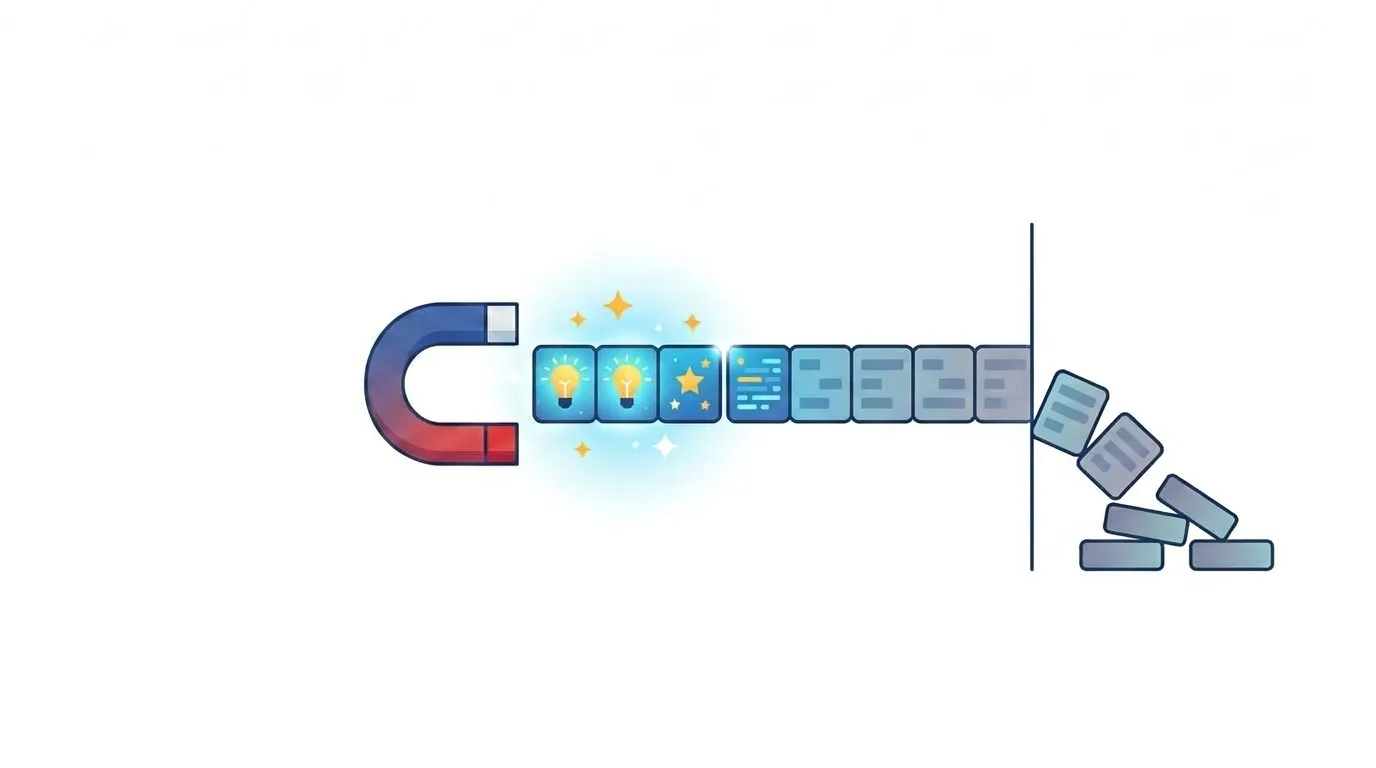
Marketing platform ContentStudio points out that captions perform differently by network, noting that LinkedIn feeds truncate around 210 characters while TikTok allows up to 2,200, which means a single generic caption almost never works across platforms. Prompting for the platform, not just the topic, is where most people go wrong.
A strong caption prompt has four parts. Think of it as a short brief you'd give a human copywriter, because that's essentially what you're doing.
Add a line telling the AI what not to do. Something like "avoid clichés like 'game-changer,' 'unlock,' or 'in today's fast-paced world.'" This single line does more to remove that generic AI tone than almost anything else you can add to a prompt.
Write {{number}} caption options for a {{platform}} post about {{topic/subject}}.

Context: {{brief description of the photo, video, or moment}}
Target audience: {{who you're speaking to}}
Tone: {{playful / professional / witty / heartfelt / bold}}
Length: {{short and punchy / medium / long and storytelling}}
Include: {{hashtags: yes/no, emojis: yes/no, call to action: yes/no}}
Avoid: {{clichés, corporate jargon, overused AI phrases}}

Each caption should open with a different hook style: a question, a bold statement, a number, and a mini-story opener.
Write 4 caption options for an Instagram post about my new pottery studio's first open day.

Context: A photo of hands shaping wet clay on a pottery wheel, warm afternoon light, first-time visitors trying the wheel for the first time.
Target audience: Local creatives aged 20-40 who like hands-on hobbies.
Tone: Warm, a little playful, not overly polished.
Length: Short and punchy, under 100 words.
Include: hashtags (5, niche not generic), emojis (light use), a soft call to action to book a spot.
Avoid: clichés, corporate jargon, overused AI phrases like "unlock" or "elevate."

Each caption should open with a different hook style: a question, a bold statement, a number, and a mini-story opener.
That level of detail is what separates a caption that sounds like a person from one that sounds like a template. As Forbes contributor Jodie Cook has written, the fix for robotic-sounding AI copy isn't editing after the fact but building a "ban list" of overused AI phrases directly into the prompt itself.
Not every platform wants the same caption. Here's a quick comparison to help you calibrate your prompts before you even hit generate.
| Platform | Ideal Caption Length | Tone That Works Best | Hashtags | Best Hook Style |
|---|---|---|---|---|
| 125–150 characters visible before "more" | Warm, visual, personal | 3–8, niche-specific | Story opener or bold statement | |
| TikTok | Short, punchy, up to 2,200 characters | Casual, trend-aware, playful | 2–5, trend-relevant | Question or shock statement |
| Truncates near 210 characters | Professional but human, data-backed | 0–3, rarely used | Contrarian claim or number | |
| Feed truncation around 477 characters | Conversational, community-driven | Minimal | Question that invites comments | |
| X (Twitter) | Under 280 characters | Sharp, witty, opinionated | 0–2 | Bold statement or one-liner |
| Keyword-rich description | Informative, searchable | Natural keyword use | Descriptive, benefit-led |
These aren't hard rules, they're starting points. Always tell the AI which platform you're writing for so it can match the caption length and culture of that feed. A prompt that says "write an Instagram caption" and one that says "write a LinkedIn post" should never produce the same output.
Different posts need different jobs done. Here are prompt templates built around the five most common goals people ask AI to help with.
Useful for personal brands, small businesses, or any post where the goal is connection over conversion.
Write a warm, storytelling-style caption for {{platform}} about {{event/moment/milestone}}.
Open with a hook sentence that pulls the reader in immediately.
Build a short narrative arc: what happened, why it mattered, what's next.
Target audience: {{audience}}
End with {{a soft CTA / a question / nothing, just let it land}}
Keep it under {{word/character count}}.
Filled-in example:
Write a warm, storytelling-style caption for Instagram about my bakery's third anniversary. Open with a hook sentence that pulls the reader in immediately. Build a short narrative arc: what happened, why it mattered, what's next. Target audience: regulars and new neighborhood customers. End with a soft CTA inviting people in for a free pastry sample this weekend. Keep it under 90 words.
Best for thought leadership, personal brands, or posts meant to spark debate in the comments.
Write {{number}} bold, opinion-driven captions for {{platform}} about {{topic}}.
Use a contrarian or unexpected angle that challenges a common assumption.
Target audience: {{audience}}
Tone: {{confident / provocative / dry humor}}
End each caption with a question that invites disagreement or discussion in the comments.
Avoid sounding preachy or like a listicle.
Built for conversion-focused posts without sounding like an ad.
Write {{number}} captions for {{platform}} promoting {{product/service}}.
Highlight this specific benefit: {{main benefit, not just features}}
Target audience: {{audience}}
Tone: {{tone}}
Include a clear but non-pushy call to action: {{CTA}}
Avoid generic sales language like "don't miss out" or "limited time only."
For posts built purely to drive comments, saves, or shares.
Write a caption for {{platform}} designed purely to start a conversation about {{topic}}.
Ask one specific, easy-to-answer question that invites quick replies.
Tone: {{tone}}
Keep it short, no more than {{length}}.
Do not include a product mention or sales angle.
For turning one strong piece of content into several platform-native versions.
Here is a piece of content: {{paste blog post, video transcript, or long caption}}

Turn this into:
1. A short, punchy Instagram caption with a story hook
2. A LinkedIn post with a data-backed or contrarian opening line
3. A TikTok caption with a casual, trend-aware tone
4. A one-line X post under 280 characters

Keep the core message consistent but adjust tone, length, and structure for each platform's norms.
It's tempting to think the newest, most advanced AI model will automatically produce better captions. That's only half true. Research from MIT, covered by Forbes, found that only about half of the performance gains people get from AI tools come from the model itself. The other half comes from how well the person prompts it. In other words, a well-written prompt on an older model can outperform a lazy prompt on the newest one.
That finding matters a lot for captions specifically, because captions live or die on specificity: the right audience, the right hook, the right platform norm. A prompt that says "write me an Instagram caption" will always produce something forgettable. A prompt that names the audience, the hook style, and the exact constraint will not.
Keep a running "voice document" with 3 of your best-performing captions pasted in, plus 2-3 sentences describing your tone (for example: "direct, a little sarcastic, avoids exclamation points, never uses corporate buzzwords"). Paste this at the top of every caption prompt session. It takes 30 seconds and dramatically improves how "you" the output sounds.
| Mistake | Why It Hurts the Output | Better Approach |
|---|---|---|
| Asking for "a caption" with no context | Produces generic, forgettable copy | Add platform, audience, and tone every time |
| Requesting only one option | No room to compare hook styles | Ask for 3–5 variations with different hooks |
| Skipping the "avoid" instruction | AI defaults to buzzwords like "unlock" or "elevate" | Add a short banned-phrase list to every prompt |
| Not specifying length | Captions run too long for the platform | State a word or character limit explicitly |
| Posting the first draft unedited | Reads as impersonal or robotic | Always do a quick human pass before publishing |
That last point matters more than people expect. Consumer trust in AI-written content is still shaky. One industry analysis found that only about a quarter of consumers now say they prefer AI-generated creator content, a steep drop from a few years ago, while the share of marketers who believe AI content performs well remains much higher. The gap between what marketers think and what audiences actually respond to is exactly why a quick human edit before posting still matters, no matter how good the prompt was.
If typing prompts into a general chatbot feels clunky, dedicated caption tools exist for a reason: they bake platform rules and tone options directly into the interface. TechCrunch reported that the video-editing app Captions expanded into a full AI-powered social media manager for businesses, letting business owners generate on-brand video and caption content without learning to edit from scratch. Similar purpose-built tools exist from Hootsuite, ContentStudio, and others, and they're worth trying if you post daily and want speed over full customization. For anything brand-critical, though, a well-crafted prompt in your AI tool of choice still gives you more creative control.
Here's how the pieces above fit into an actual weekly routine:
This workflow doesn't eliminate the writing process, but it removes the blank-screen part, which is usually the part that eats the most time and motivation.
A scroll-stopping caption isn't about clever wordplay or trying too hard to sound viral. It's about giving a stranger scrolling past a real reason to pause for two more seconds. AI can get you there fast, but the prompt is doing most of the work. Give it context, a clear audience, a defined tone, and a short list of things to avoid, and you'll consistently get captions worth posting instead of captions worth deleting.
Save the templates above, fill in your own brackets, and build your own "voice document" over the next few weeks. The more specific your prompts get, the less editing you'll need to do, and the faster your content process becomes.
1. Can AI-written captions actually sound authentic, or will they always feel generic?
They can sound authentic, but only with the right inputs. Feeding the AI your actual brand voice, past captions, and a list of phrases to avoid closes most of the gap. Fully generic prompts will always produce generic output.
2. Which AI tool is best for writing social media captions?
There isn't one universal winner. General-purpose chatbots like ChatGPT or Claude give the most creative control and work well with the templates above, while dedicated caption tools bake in platform rules automatically. Try both and see which fits your workflow.
3. How long should a caption be for the best engagement?
It depends heavily on the platform. Instagram captions perform well under about 150 characters before the "more" cutoff, LinkedIn truncates around 210 characters, and TikTok allows much longer captions. Always prompt with the platform in mind rather than using one length for everywhere.
4. Should I always include hashtags in AI-generated captions?
Not always. Instagram and TikTok still benefit from a small set of relevant hashtags, while LinkedIn and Facebook generally perform better with few or none. Specify hashtag preferences directly in your prompt so the AI matches platform norms.
5. Is it okay to post AI-generated captions without editing them?
It's better not to. A quick human read-through before posting helps catch anything that sounds robotic, repetitive, or off-brand, and keeps your voice consistent across posts.

CO-STAR Prompt Framework: Template, Filled Examples, When to Skip It

How to Create Consistent Brand Voice Using AI Prompts on Social Media

The Ultimate Brand Voice Prompt Template for Social Media Copywriting

The Platform Personality Gap Audit: Fixing Brand Voice Inconsistency
The Pre-Truncation Hook Formula: Prompting AI for the First 150 Characters